Every design in the app is a starting point. Pick a size and a color story, choose what it follows, then add it to your Library and make it yours.
NEW · THE FIRST SHELF
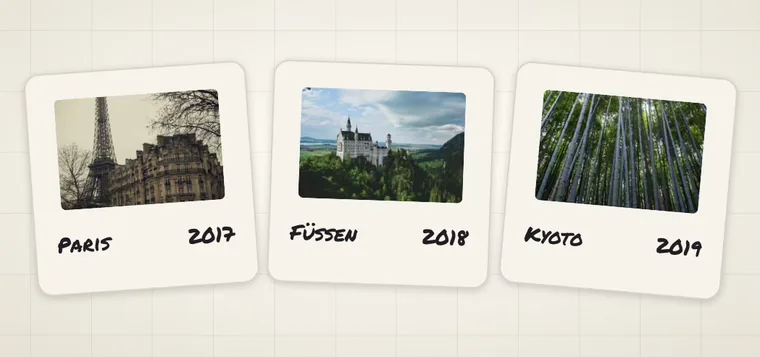
Photos. Your own pictures, beautifully kept.
Fifteen ways to live with your photos on your Home Screen. Each finds its photos on your iPhone every time it draws. How photo sets work ↗
Instant · LargeCover Story · LargeOn This Day · LargeFilm Roll · Large
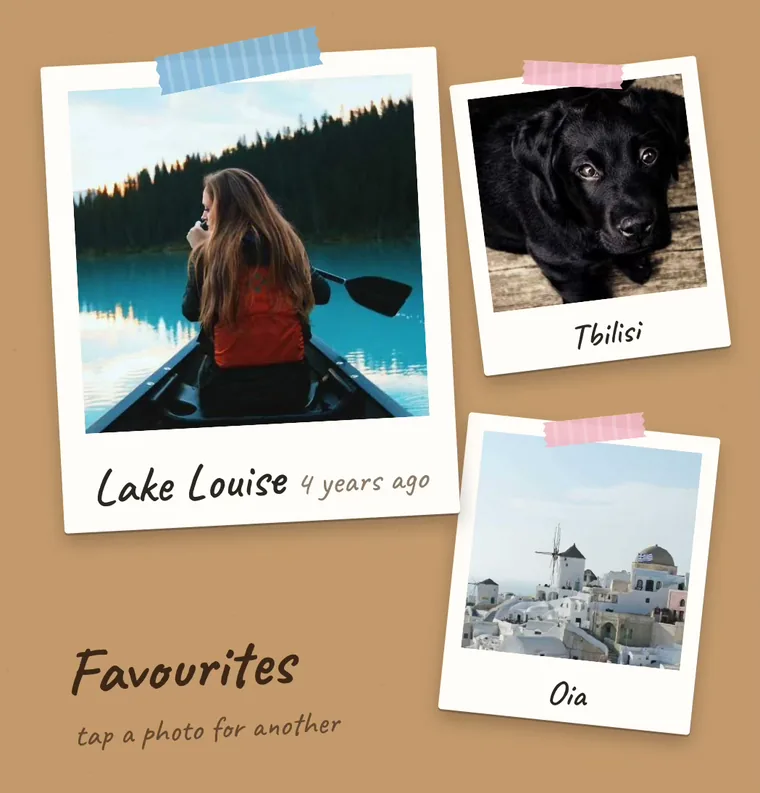
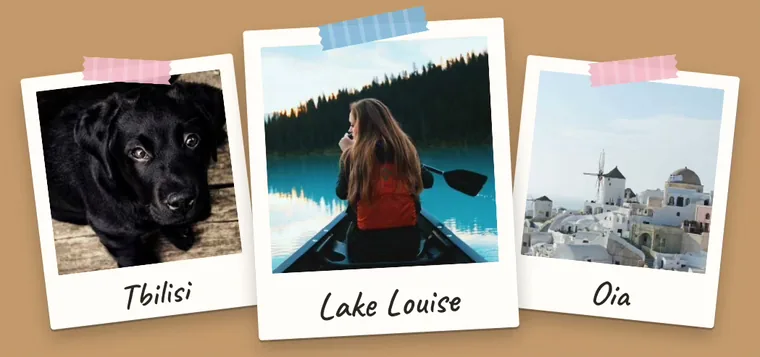
Instant
Your photos as instant prints taped to the wall, each with the place written under it. Tap a photo and the prints shuffle.
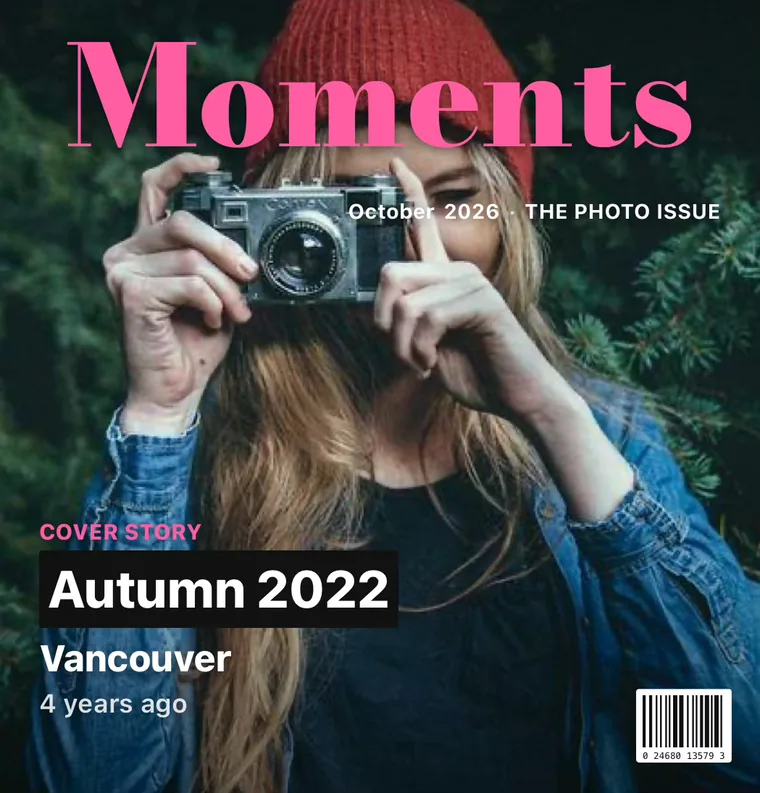
Cover Story
One of your upright photos on a magazine cover, with the season and the place as cover lines.
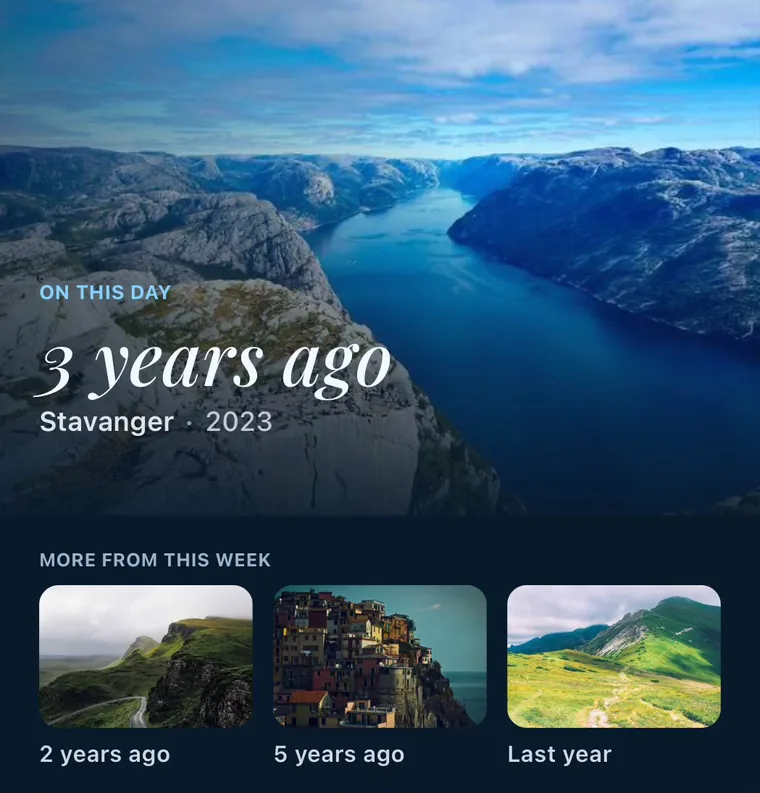
On This Day
A photo you took this week in an earlier year, edge to edge, with how long ago and where.
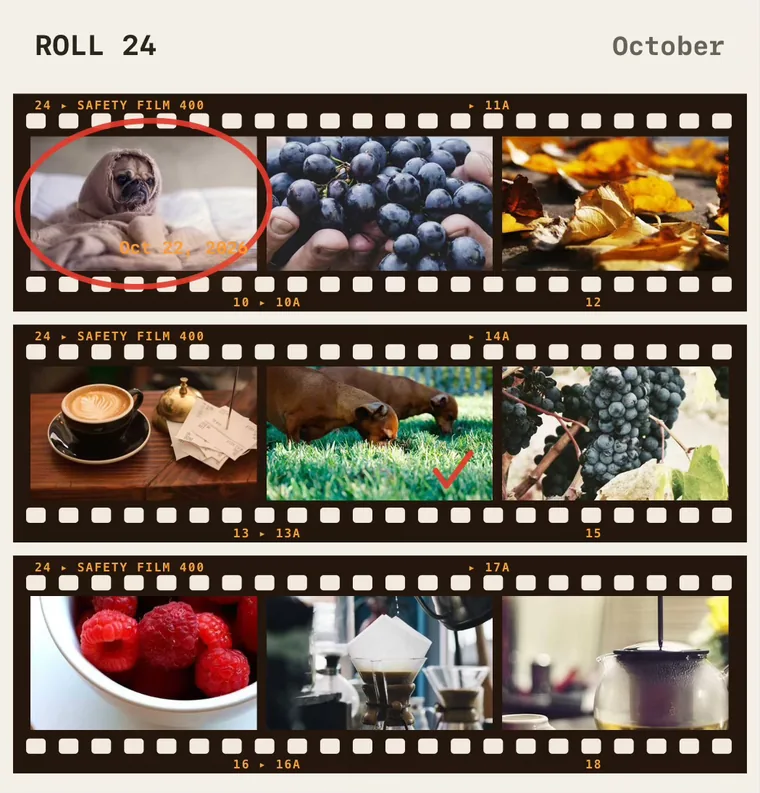
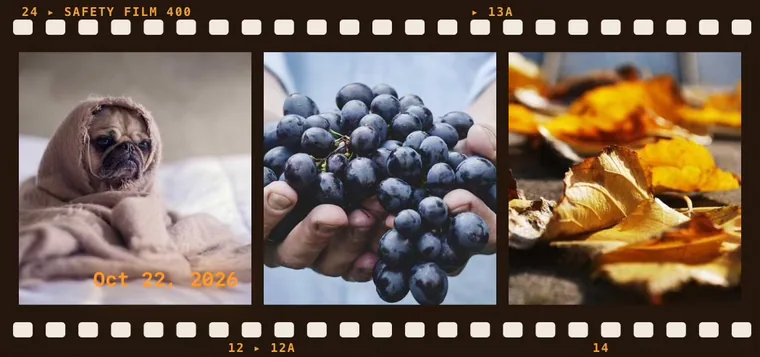
Film Roll
Your newest photos on a strip of 35 mm film. Large is a contact sheet of nine.
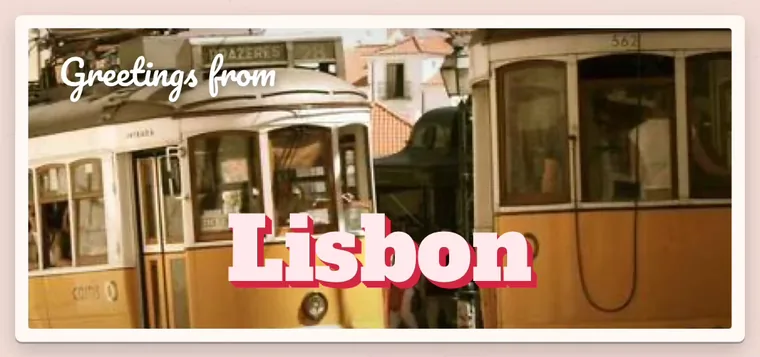
Postcard
Greetings from the town a photo was taken in, in big letters across it.
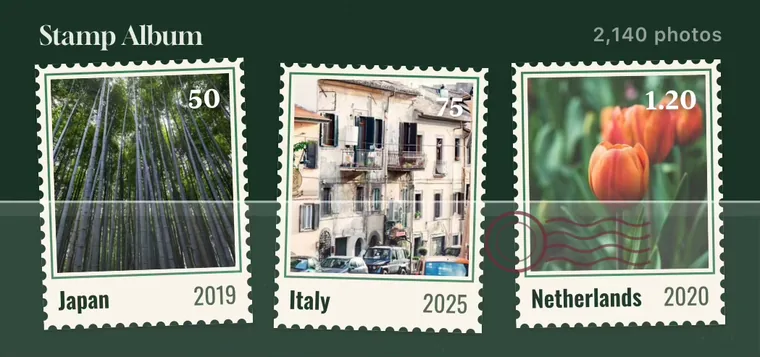
Stamp Album
Your photos as postage stamps in a collector’s album, each with its country and year.
Window Seat
Your travel photos through an airplane window, with the place you’re flying over.
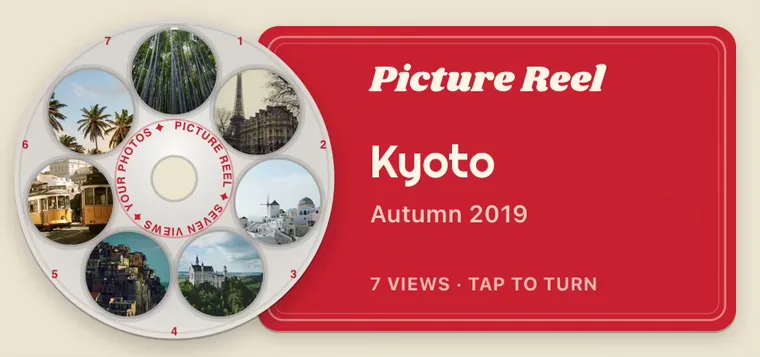
Picture Reel
Seven of your travel photos on a picture-viewer reel. Tap it and it clicks round.
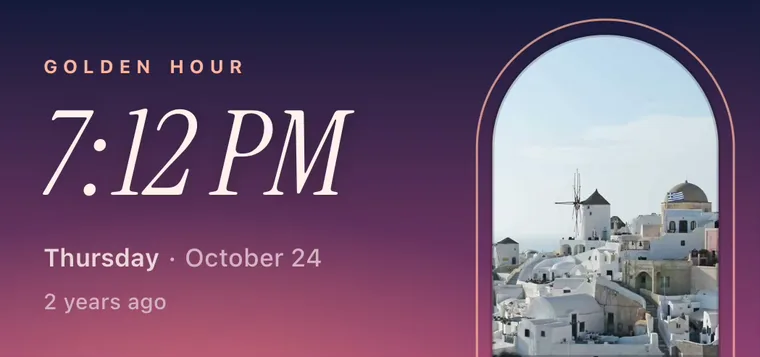
Golden Hour
Only photos you took between 5 and 9 in the evening, in an arched window.
This Month
The last 30 days as a magazine mosaic of your photos, with how many you took.
Lightbox
Your photos as slides on a glowing light table, labelled with the place and year.
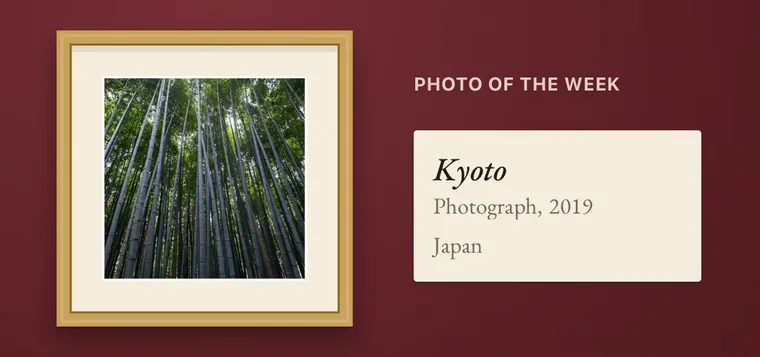
Exhibit
One of your photos framed on a gallery wall, with a placard saying where and when.
Photo Calendar
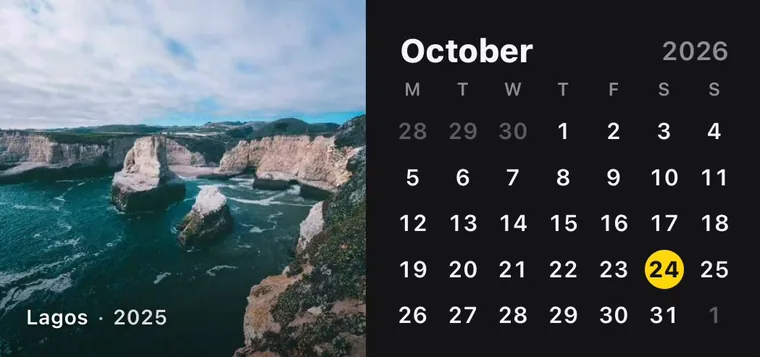
A wall calendar for today: one of your photos above the date, a new one every day.
Photo Weather
The weather on frosted glass over one of your photos, a new one every hour.
Darkroom
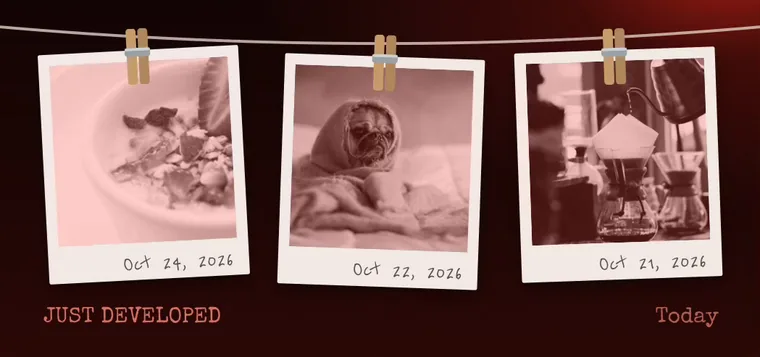
Your newest photos drying on a line under the red safelight, the date pencilled on each.
These previews show sample photos (Unsplash License). Once you allow it, the Gallery and your widgets use your own photos, and they stay on your iPhone.
29widgets that follow this season’s real races
29 DESIGNS
Formula 1
The season, live on your Home Screen.
Twenty-nine widgets on this season’s real races, six of them with pages you tap through: the start lights counting down to the next one, the timing tower, the title fight, the podium, the track maps and the weekend’s timetable in your own time. Results come in minutes after the flag.
7 DESIGNS
Halloween
Something wicked this way comes.
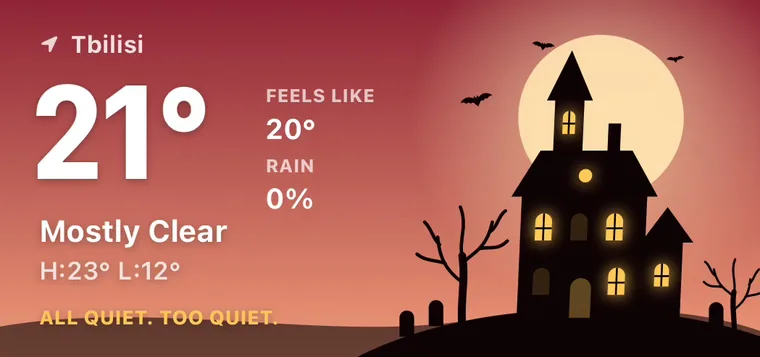
Seven corners of one October night: a jack-o’-lantern counting the days, a haunted manor under the real sky, the moon in its phase, a graveyard for your calendar, a cauldron for your battery, a bag of candy for your steps and a spell book of things to do.
11 DESIGNS
Pets
A little friend who keeps an eye on things.
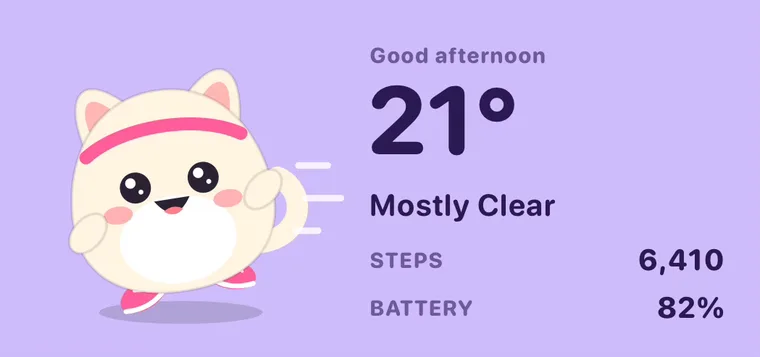
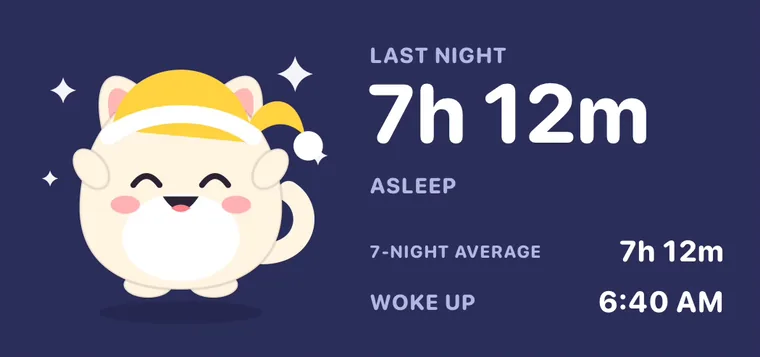
Eleven widgets kept by a cat or a dog: you choose which, and the color of its coat. It dresses for the job, running gear for your steps, a stethoscope for your heart, a nightcap for your sleep, and its mood follows what it sees.
6 DESIGNS
Cozy Window
Lo-fi rooms with your sky outside.
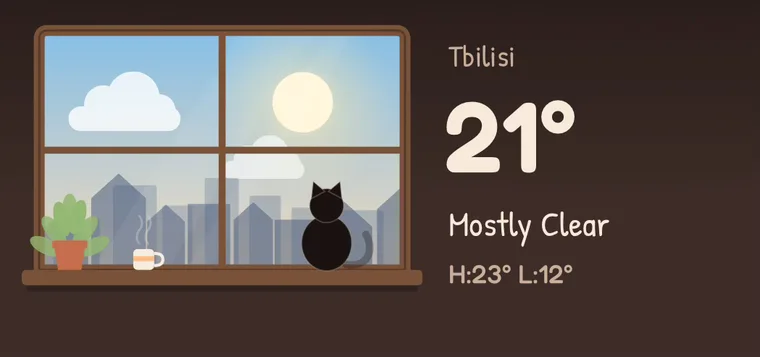
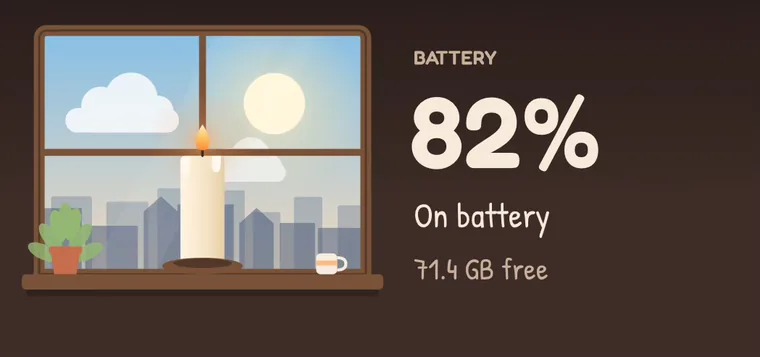
Six lo-fi rooms, each with a window onto the sky as it really is: the weather outside, a desk lamp that comes on at dusk, sticky notes on the glass for your plans, a candle that burns down with your battery, curtains drawn at bedtime and footprints by the door for your steps.
6 DESIGNS
Ukiyo-e
Pictures of the floating world.
Six widgets printed like Japanese woodblock prints, each with a vermilion seal: the great wave for the date, a bridge in the rain that follows your weather, the red Fuji through the seasons for your plans, the moon over pampas grass for your sleep, the old road for your steps and an ensō brushed as far round as your battery.
11 DESIGNS
Dot Matrix
Everything, one dot at a time.
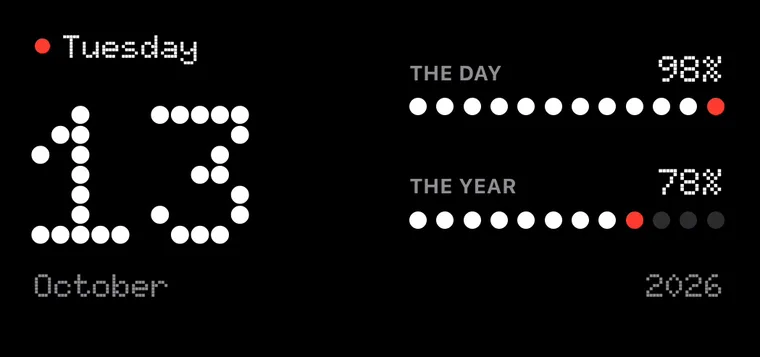
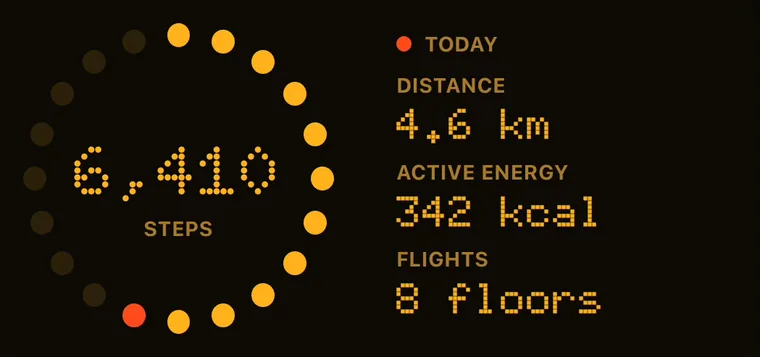
Eleven widgets drawn the way a dot-matrix display draws: figures in dots, pictures in dots, and amounts counted out in dots that light one by one. Black, white and a single red lamp, or the amber and green of old displays.
6 DESIGNS
Departure Board
Now boarding: your day.
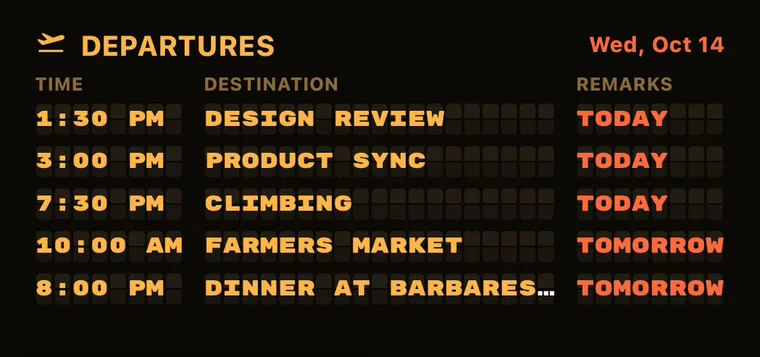
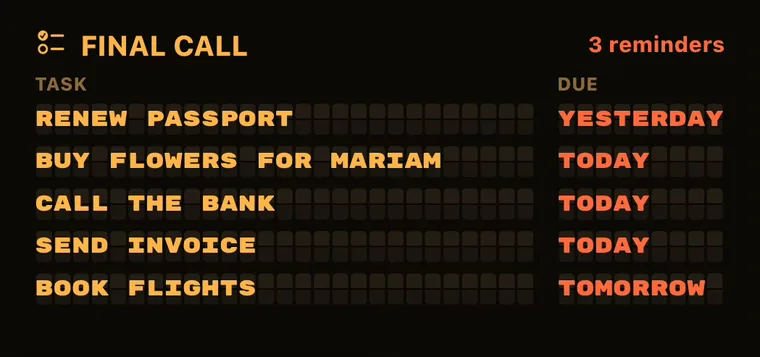
Six widgets set letter by letter on a split-flap board, the kind that clatters over every station and airport. Your events leave on time, your to-dos get a final call, and the weather arrives hour by hour.
6 DESIGNS
Transit Map
Mind the gap.
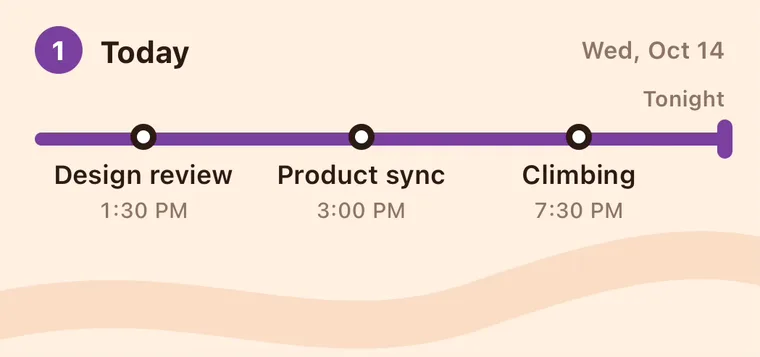
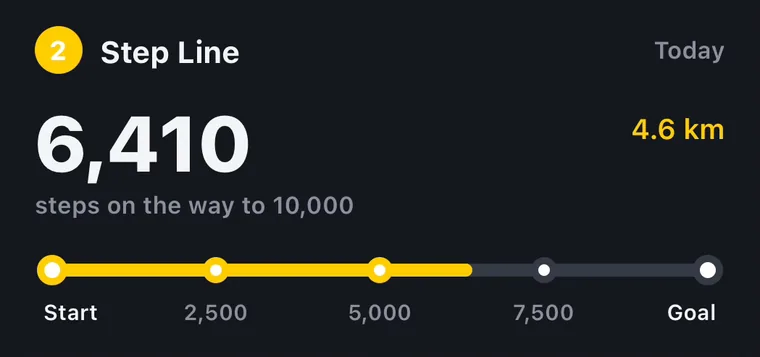
Six widgets drawn as a metro map: your day is a line and your events are its stations, your steps run from Start to Goal, the weather stops at every hour, your errands make a loop and the year is a line of twelve stops.
6 DESIGNS
Blueprint
Measured, to scale.
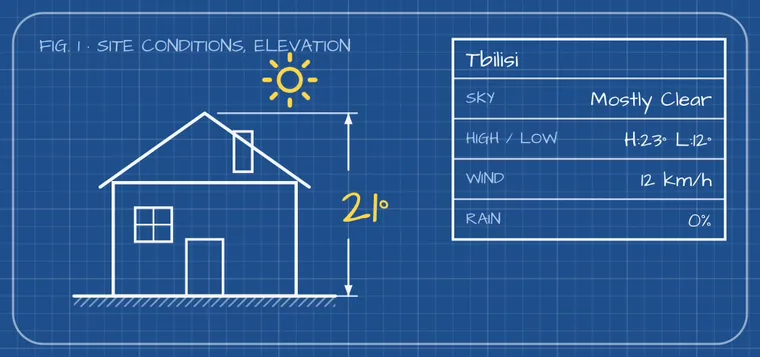
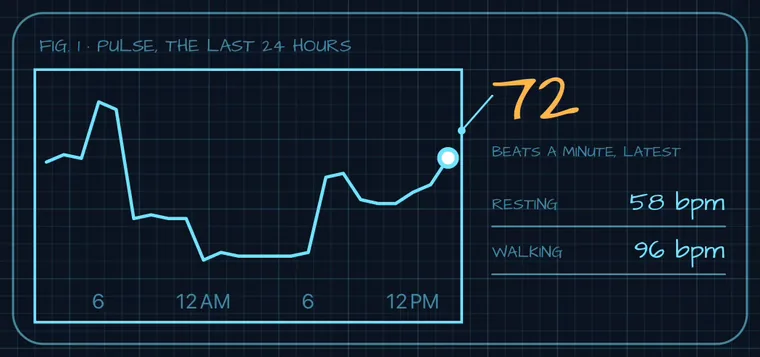
Six widgets drawn as technical drawings on cyanotype paper: your battery as a cell with its charge dimensioned, the weather as site conditions, your steps as a staircase in section, your heart on graph paper, your plans as a parts list and the date in a title block.
6 DESIGNS
Cross-Stitch
Made by hand, one stitch at a time.
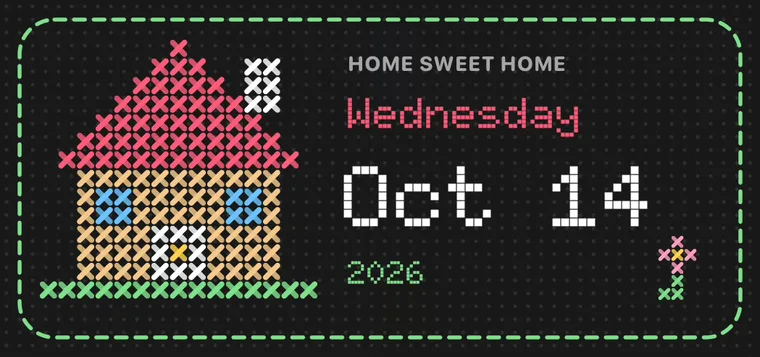
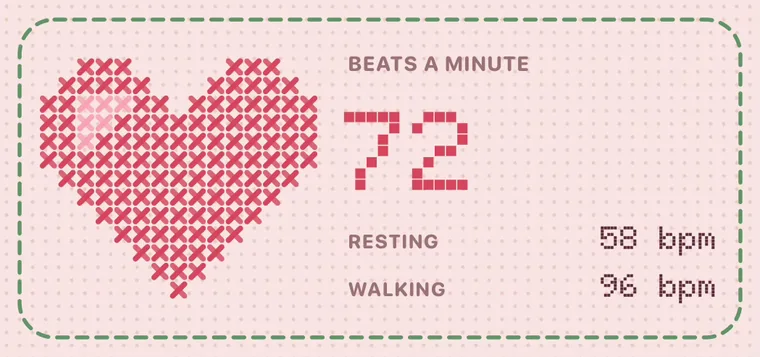
Six samplers embroidered on aida cloth: a little house for the date, the weather stitched in thread, a red heart for your pulse, a shoe and a row of stitches for your steps, a checklist and a moon for good nights.
6 DESIGNS
Neon Sign
Open late.
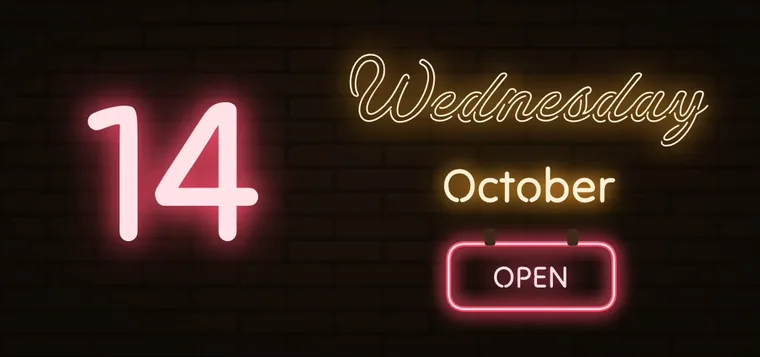
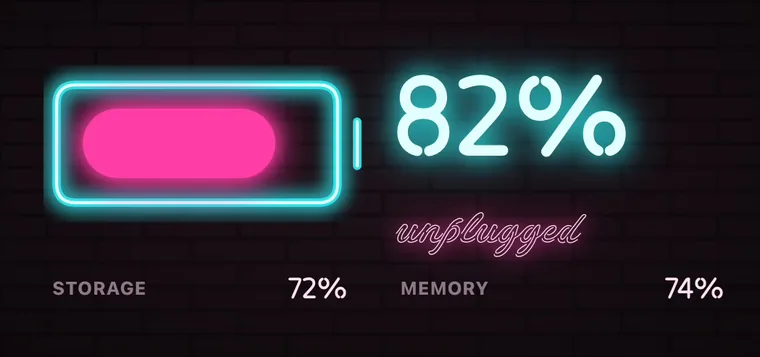
Six signs lit up in glowing tubes on a dark brick wall: a diner’s sign for the date that reads Closed at night, the weather in lights, a neon heart, a battery that turns red when it runs low, a marquee for your next event and your steps counted out in tubes.
6 DESIGNS
Celestial
Written in the stars.
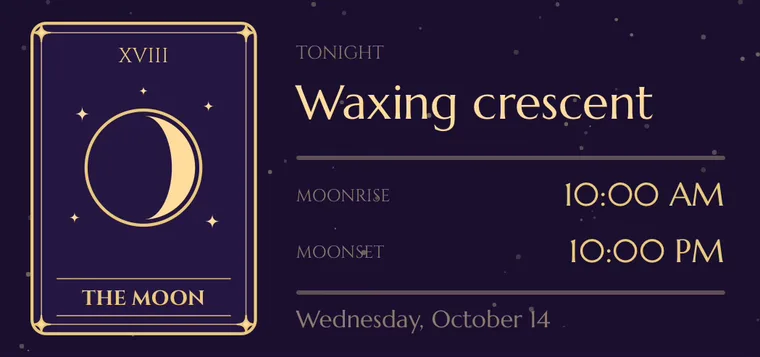
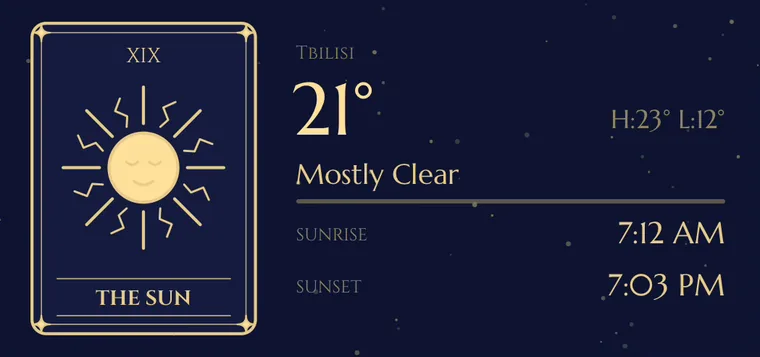
Six widgets drawn as tarot cards in fine gold line: The Moon in tonight’s phase, The Sun for the weather, The Star for your sleep, the Wheel turning with the year, Strength for your steps and The World for what awaits.
6 DESIGNS
Car Dashboard
Eyes on the road.
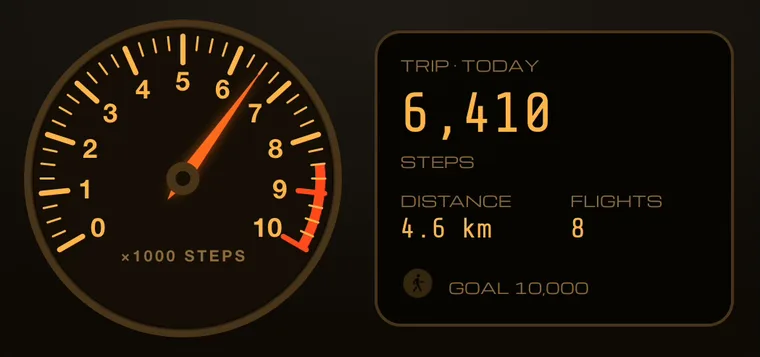
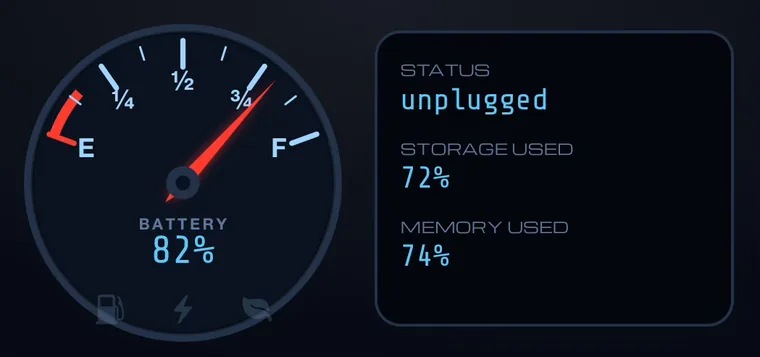
Six widgets drawn as a car’s instrument cluster: a speedometer for your steps, a fuel gauge for your battery, a rev counter for your heart, the trip computer for your next stop, the climate screen for the weather and a gauge for the day.
6 DESIGNS
Retro Apple
Hello again.
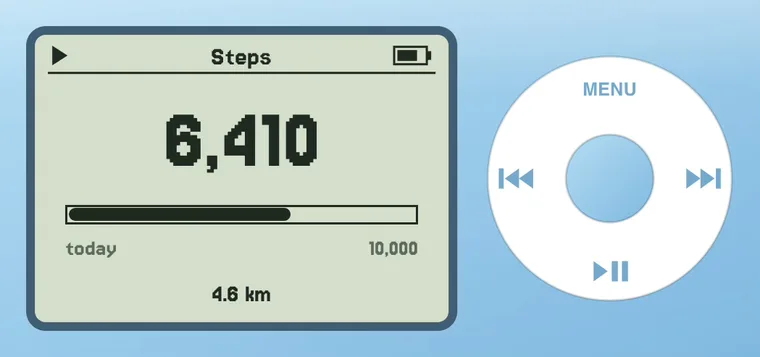
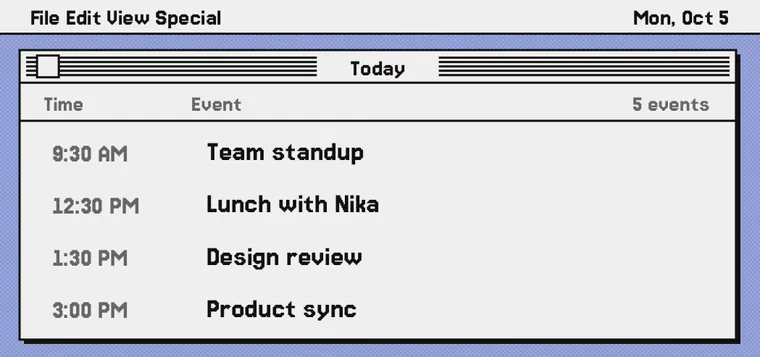
Six widgets after the computers and music players many of us grew up with: a black-and-white desktop for your day, About This Macintosh for your iPhone, a click wheel for your steps, candy-colored plastic for the weather, a six-color badge for the date and sticky notes for your reminders.
8 DESIGNS
Modular
Your day, beautifully assembled.
A personal dashboard for every kind of day. Pick a configuration built around what matters to you, then choose its color.
4 DESIGNS
Atmosphere
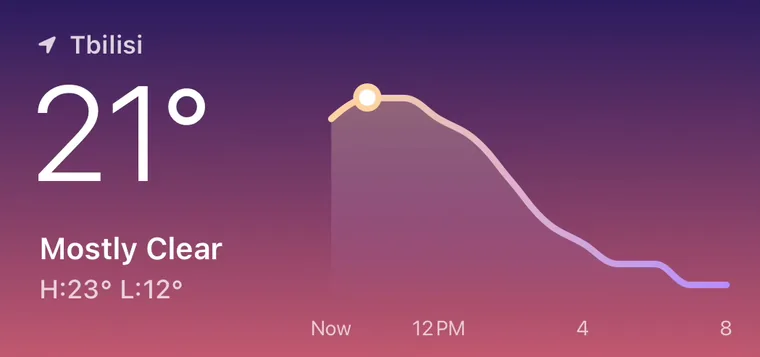
A forecast you’ll want to look at.
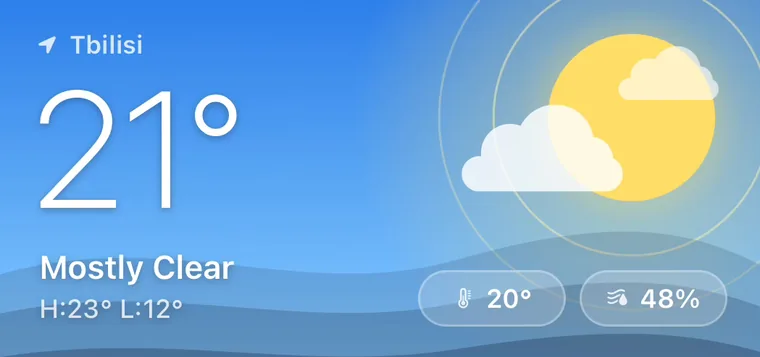
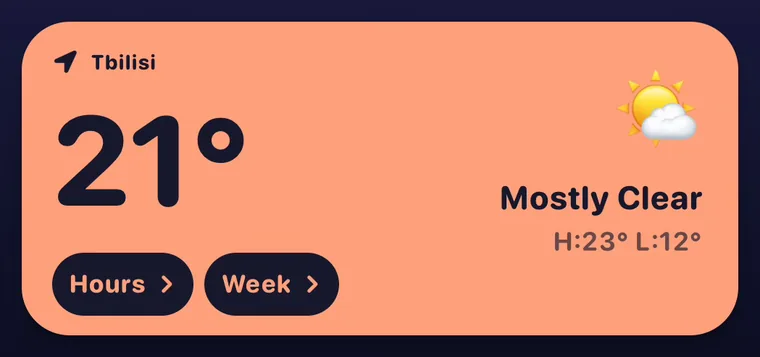
Know what to wear, when to step out, and whether to bring an umbrella. Weather, with a little atmosphere.
10 DESIGNS
Calendar
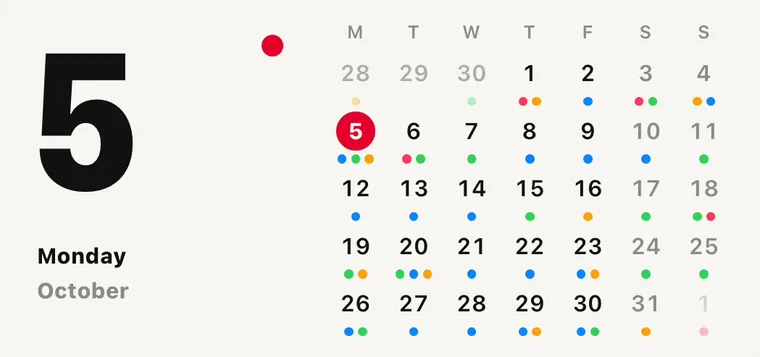
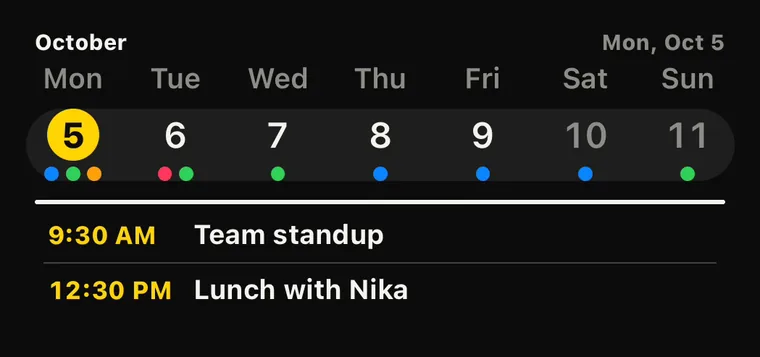
Space for everything ahead.
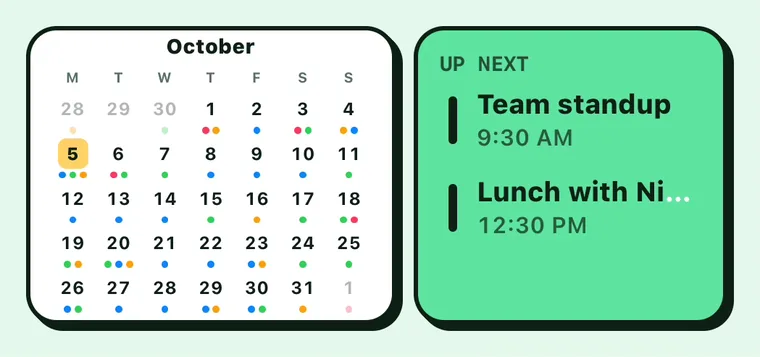
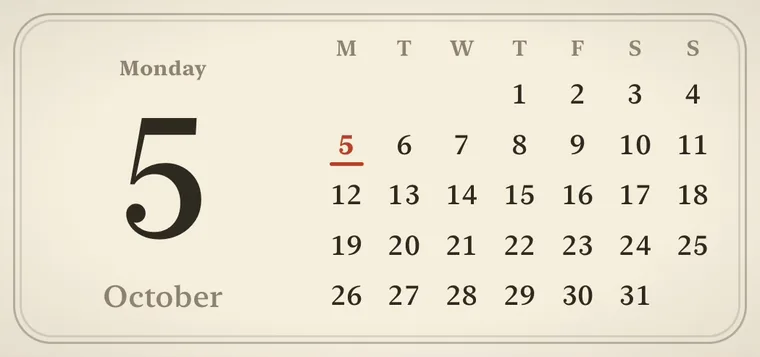
A considered place for your plans. Daily agendas, open weeks, marked months, and a whole year in view. Each size has its own composition, with your calendar events where they belong.
12 DESIGNS
Countdowns
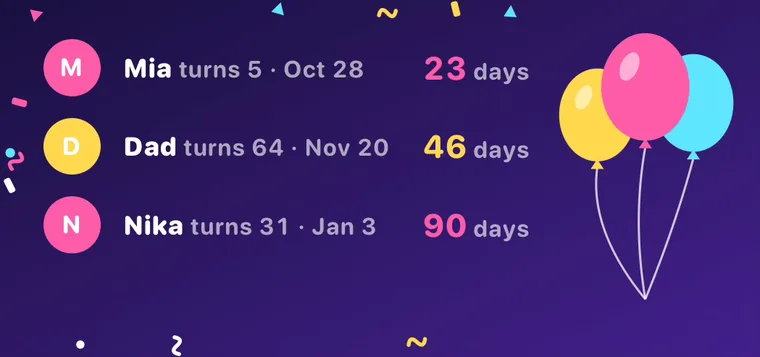
Make the waiting beautiful.
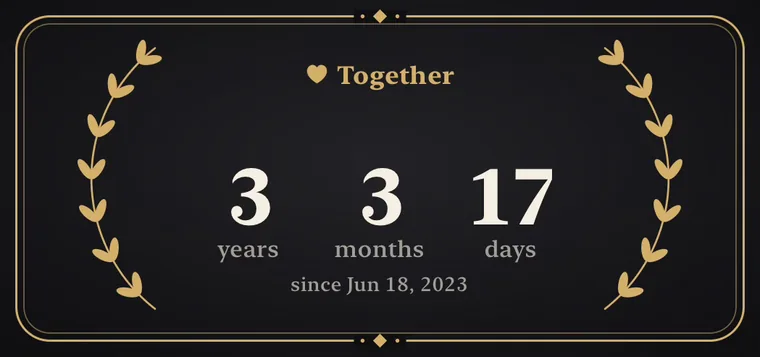
The next adventure. A birthday. The day it all began. Twelve ways to keep your special days close, from black-tie to birthday party, with live counts that follow your dates and calendar.
5 DESIGNS
Almanac
Make room for the days ahead.
Inspired by paper planners and well-loved journals. Calendars that put the day, week, and year in perspective.
19 DESIGNS
Health
Your body. A clearer picture.
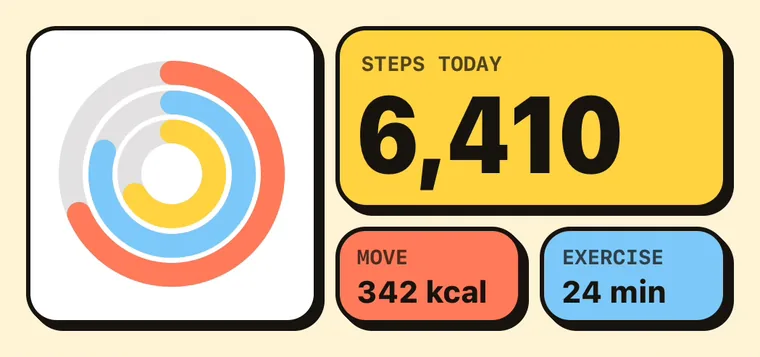
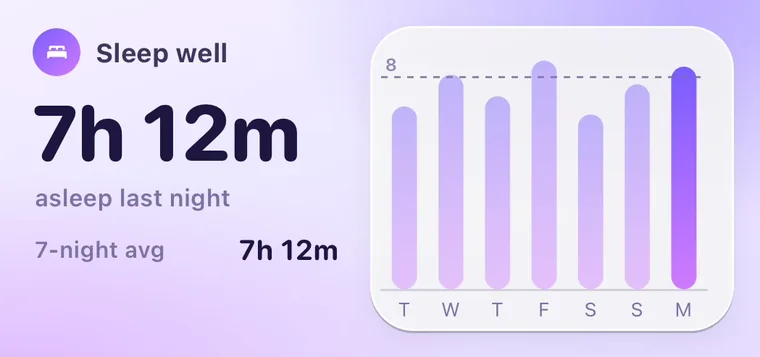
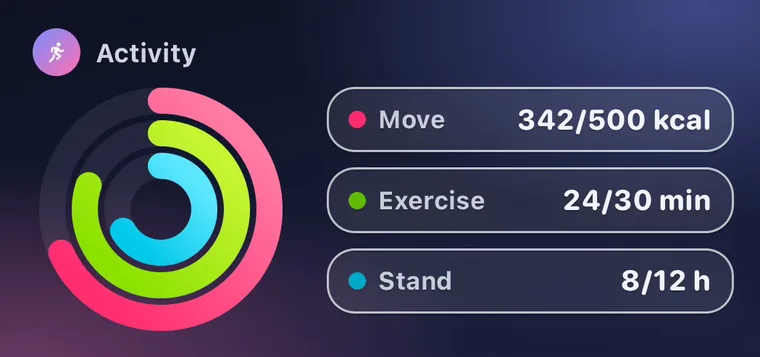
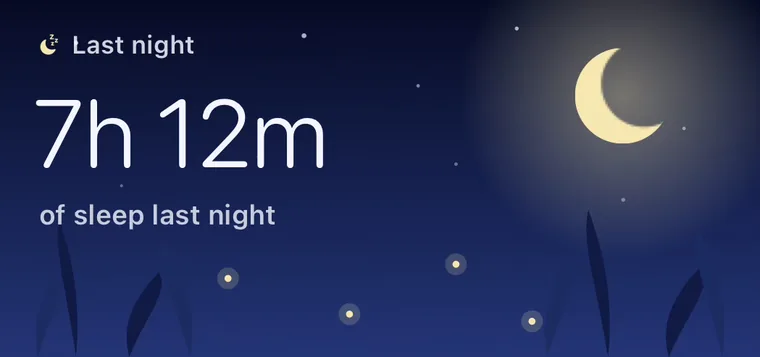
From last night’s rest to a month of movement. Thoughtful views of your Apple Health readings, made for the rhythm of your day.
4 DESIGNS
Milestones
Good things are on their way.
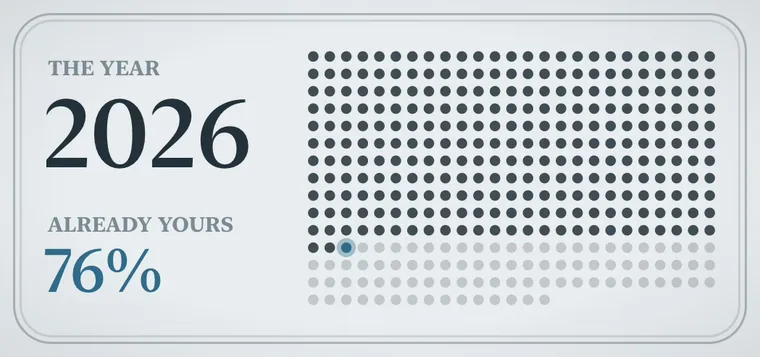
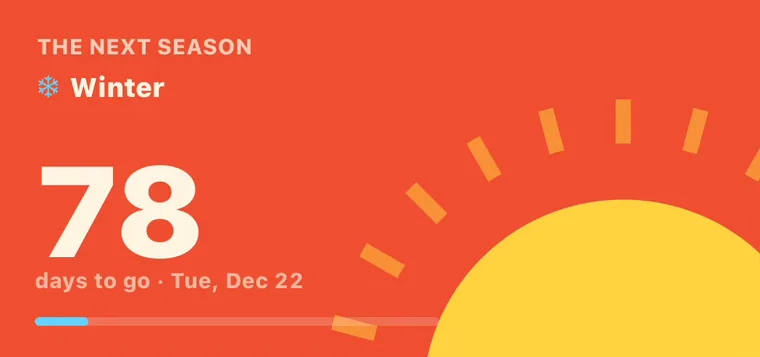
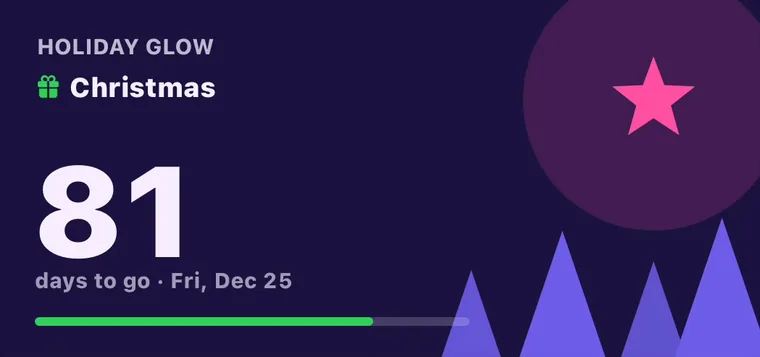
Watch the seasons change, look forward to a holiday, and see how much of the year is still yours.
2 DESIGNS
Daydream
A small window to somewhere else.
Original landscapes and night skies, with dates and weather woven into the scenery. A moment of calm on your Home Screen.
9 DESIGNS
Tabs
Tap to turn the page.
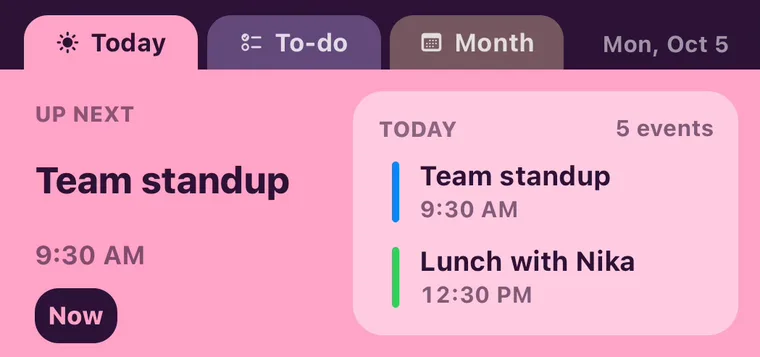
Widgets with more than one side. Tap a tab, press a key or flip a card and another view takes its place, right on your Home Screen. Binders, pocket instruments and card decks, each holding several pages of live data.
5 DESIGNS
Cyberpunk
High tech. Low battery.
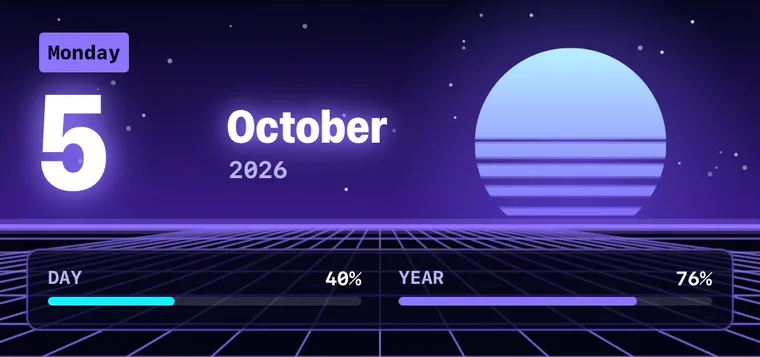
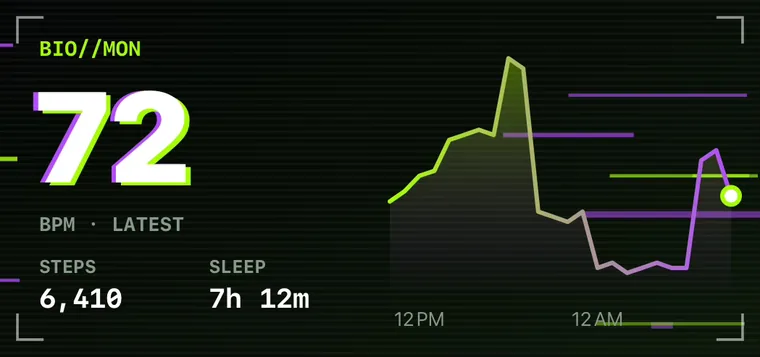
Five corners of the same neon city: a hazard-striped power readout, a glitching heart monitor, a green-screen mission log, a synthwave sunset for the date and a hologram that scans the weather.
THEN MAKE IT YOURS
Every design is yours to change.
Change what it shows in Settings, open it in the editor, or ask the AI. Designing is free; Home Screen widgets come with Pro.
Previews show example readings, a sample city and sample photos. Your copy uses your own data once the app may read it. Most designs come in several color stories and sizes.