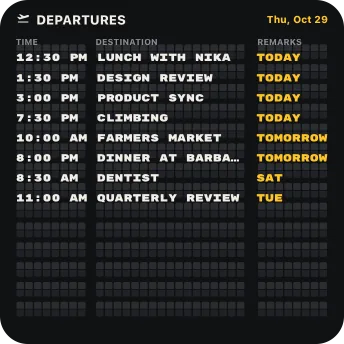
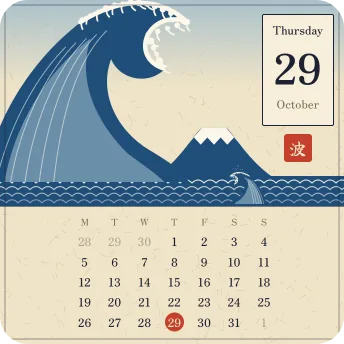
ONE DESKTOP, FOUR MOODSYour desktop.
Set up in seconds.Pick designs, drop them on your desktop, done.

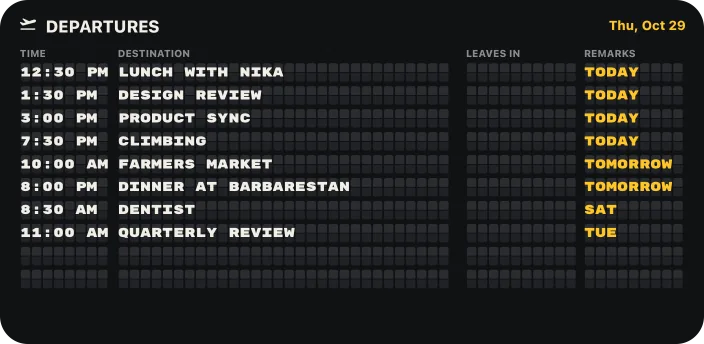
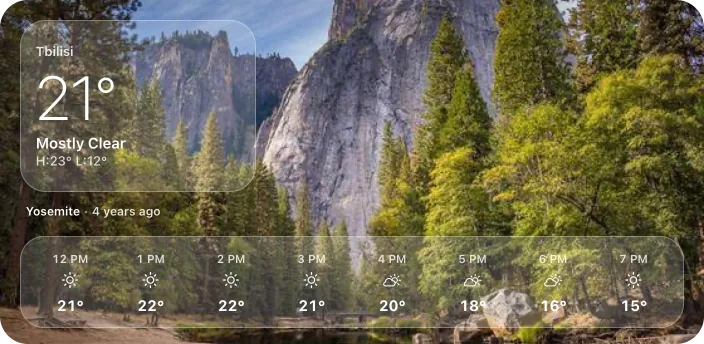
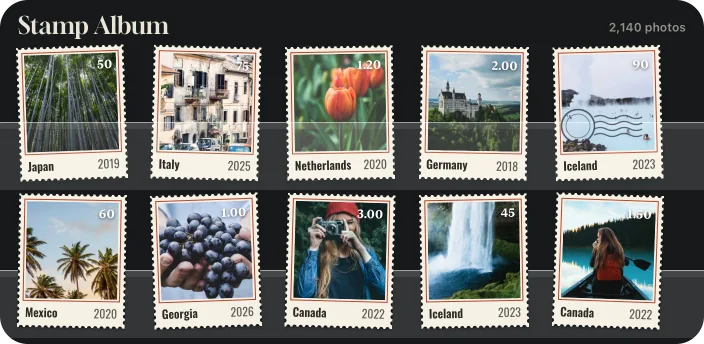
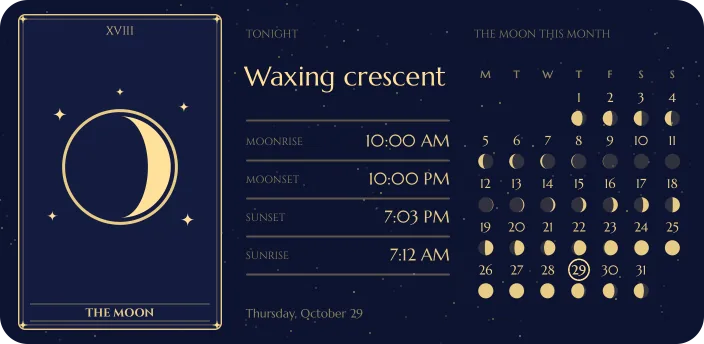
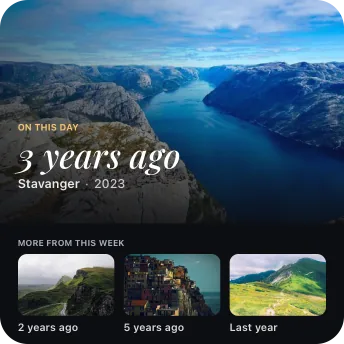
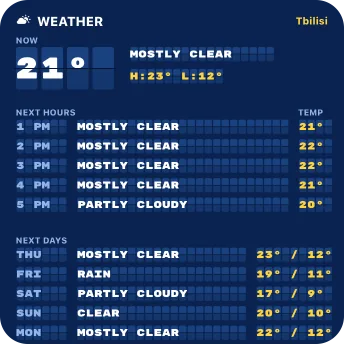
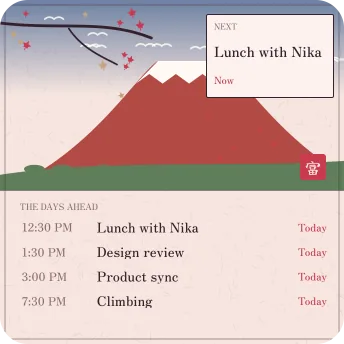
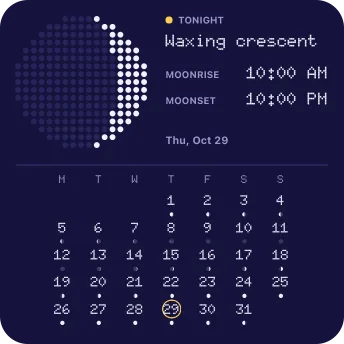
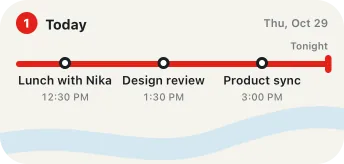


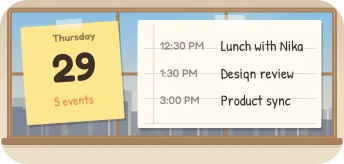



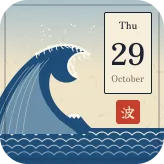
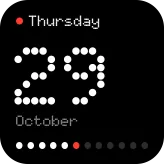



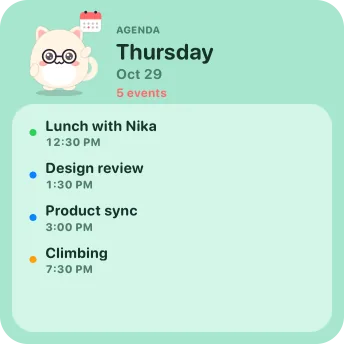
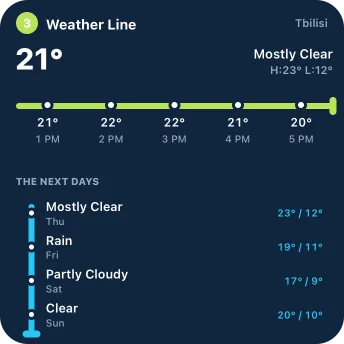
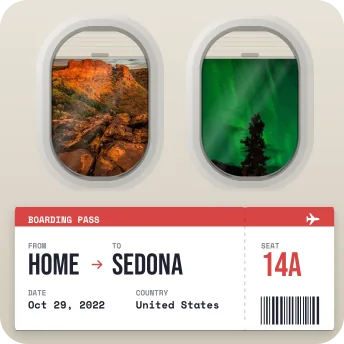
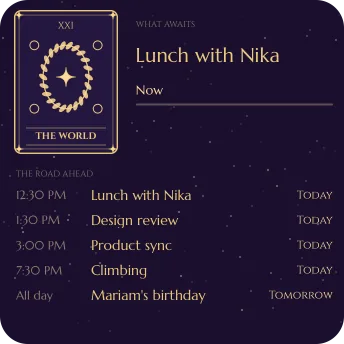
Custom desktop widgets for macOS: calendars, weather, your photos and the world outside, in widgets you design yourself. Right on your Mac’s desktop, from Small to Extra Large.
Launch sale Pro is 30% off until Sunday, November 8Set up in seconds.Pick designs, drop them on your desktop, done.
THE EDITOR
Click any one to change it. Move it with the arrow keys, drop a picture in from Finder, undo anything. The editor opens each widget in its own window.
THE REAL EDITOR
Every widget gets its own editor window. The canvas in the middle, every size in the toolbar, layers and tools beside it. Click anything and change it.
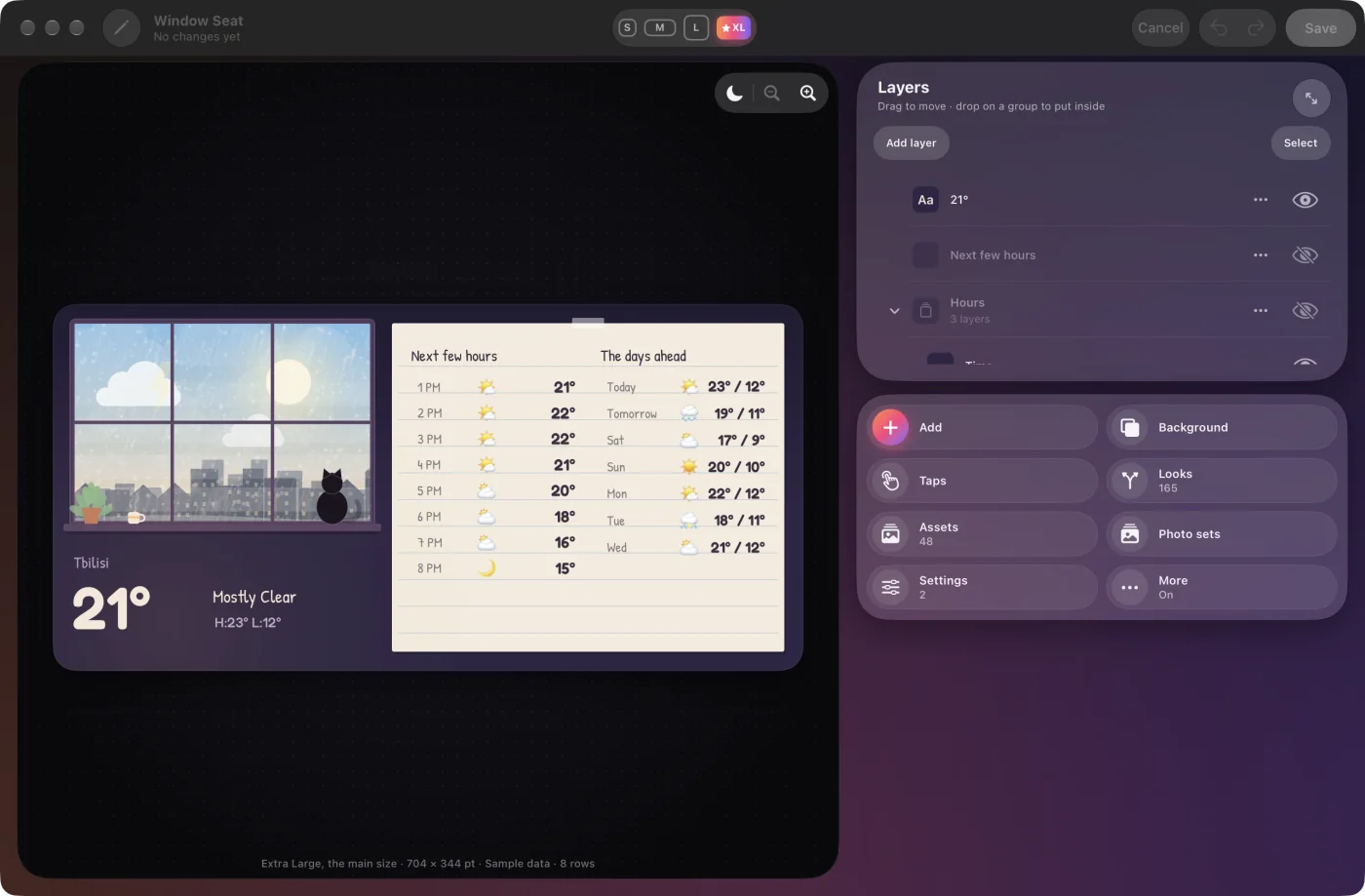
Small, Medium, Large and Extra Large sit in the toolbar. Each size keeps its own layout.
Click anything on the widget to change it. Drag it, or nudge it with the arrow keys.
Pinch, or press ⌘+ and ⌘−. See your widget in light and dark.
Every layer in order. Drag one to move it, or drop it on a group to put it inside.
Text, photos, charts and live data, plus Taps, Looks, Assets and Settings.
Undo any step. Your desktop changes only when you save.
FOUR SIZES



THE GALLERY · 152 DESIGNS
Every star flips a tile to another design from the same collection.
Designs seen 12 of 152
Drawn by the app at Mac sizes, with example data and sample photos.
Your calendar. The weather outside. Photos from the places you love. Tonight’s moon. Countdowns to the days that matter. Exchange rates, earthquakes, this season’s Formula 1. All on your desktop, designed by you.
AI AND THE WEB
The tools that turn a nice-looking widget into one you actually glance at, all in the same editor.
Tell the AI what you want. It builds the widget, looks at the result and tidies up. Then ask for changes in your own words.
Describe a decoration, like a sun and a few clouds or a cat on a windowsill, and AI Drawing adds it to your widget as real vector artwork. Edit what it adds, or ask for a change.
Web data asks public services and puts the answer in your widget: one value as text, a whole list, or a chart. It refreshes every time the widget draws, and keeps the last answer when you’re offline.
Line, bar or ring charts for any number: a currency’s month, or how the forecast warms through the afternoon.
Looks give any part of a widget another appearance when a rule matches: a weekend label, or a number that turns red below the level you choose.
Add SVG files, SVG code or a picture from a web link. Every photo and drawing is kept in Assets, ready for your next widget.
New web services and AI tools are in the works, and they’ll arrive in the Mac app as updates.
AND MUCH MORE
Pages you click between, photos that find themselves, dates you save once. Here’s the rest of what’s inside.
Give a button a tap and the widget changes in place: today’s events on one page and the month on another, or a card that flips to its back. No app opens.
A photo set is a rule, like “taken in Portugal” or “this week, in earlier years”. Each time the widget draws, it looks in your library, so new photos join on their own. Captions can say where and when.
Save a birthday or a trip once as a Special day. Every calendar and countdown can use it, counting down to it or up from it.
Calendars you design: event dots, your special days, even the weather on each date.
Show how far along anything is, from the year so far to a goal you set yourself.
Widget Settings are the few choices you’d actually change: the weather back home, a different birthday, another colour story. Pick one, see it live, done. The editor is still there when you want more.
Design one row, and the widget repeats it for every day, event or forecast hour, each with its own dates, names and numbers. No typing out seven days by hand.
Keep things together and tell them how to sit: side by side, stacked, or overlapping.
Lift words off a busy photo, or make them shine.
Built-in styles, plus the whole Google Fonts library to explore.
TOO MANY TO CHOOSE FROM
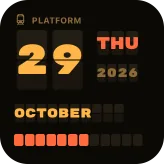
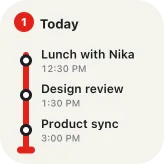
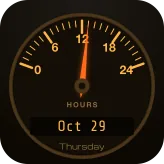
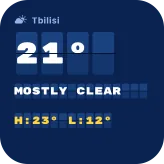
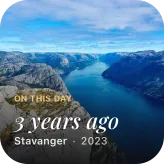
Grab a widget and throw it. They’re only pictures here; on your Mac they’re yours to change.






MADE FOR THE MAC
Menus, shortcuts, drag and drop, several windows, light and dark, VoiceOver. Press the keys below on your keyboard, or tap them.
QUESTIONS
Yes. Start from one of 152 Gallery designs or a blank canvas, or describe the widget you want to the AI. In the editor you choose the layout, fonts, colours, photos and live data, and every size keeps its own layout.
Designing and saving widgets is free. Putting them on your desktop takes Pro: $19, once, for up to 3 of your Macs ($13.30 until November 8: 30% off for our launch). There’s no subscription.
The Mac’s own widgets look the way each app designed them. With Widget Ninja you design the widget yourself: what it shows, where everything sits and how it looks, from Small to Extra Large.
Right-click an empty part of your desktop and choose Edit Widgets. Find Widget Ninja and drag the size you like onto your desktop. Click Done, then right-click the new widget, choose Edit Widget and pick your widget under Content. Desktop widgets come with Pro.
Pro is $19, once, or $13.30 until November 8 (30% off for our launch). Checkout is run by Dodo Payments, our online reseller, and takes cards, Apple Pay and Google Pay. When you’ve paid, you get a license key on screen and by email: click Open in Widget Ninja, or click Get Pro in the app and paste the key. It works on up to 3 of your Macs; to move it to another Mac, choose Remove from This Mac in Settings › Pro.
Go to https://widget.ninja/license and enter the email address you bought with. You’ll get a sign-in link to your purchases, and your key is there. No longer have that email? Write to [email protected] with your name and when you bought it, and we’ll find it for you.
Any Mac with macOS Tahoe (26) or later.
No. Apple Health isn’t available on the Mac, so the Mac’s Gallery leaves out designs that read it.
They’re read on your Mac to draw your widgets, and we don’t receive them. Photos from your library are never sent to our servers or included in AI requests. The privacy policy has the details.
Launch sale 30% off until Sunday, November 8
For macOS Tahoe (26) or later. Designing is free; Pro puts your widgets on the desktop: $19 $13.30, once, for up to 3 of your Macs. No subscription.
Widgets on this page are drawn by the app with example data and sample photos. The wallpaper is our own. Privacy